Issue your Tax Free Form directly on your mobile phone in few steps
Manage your Tax Free purchase wherever, whenever on your mobile
We know you have better things to do than waiting in line. That’s why we have launched Mobile Tax Free, for a faster and easier process in-store.

In-store the sales staff needs to scan your passport and the sales receipt.
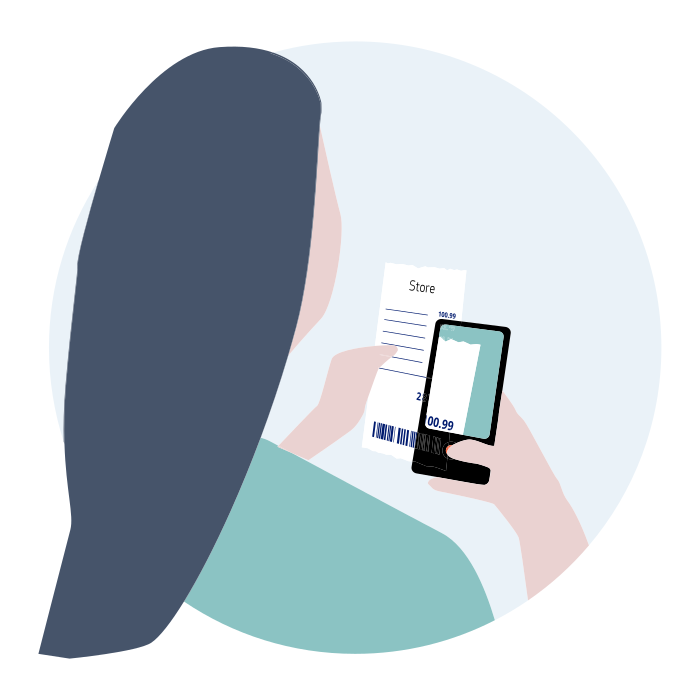
At least 24 hours before your departure, scan the QR code on the leaflet or click on the link received via email with your phone to request a Tax Free Form. Scan receipts and passport, enter your payment details. More details below about the steps. You can find below more details below about the steps.
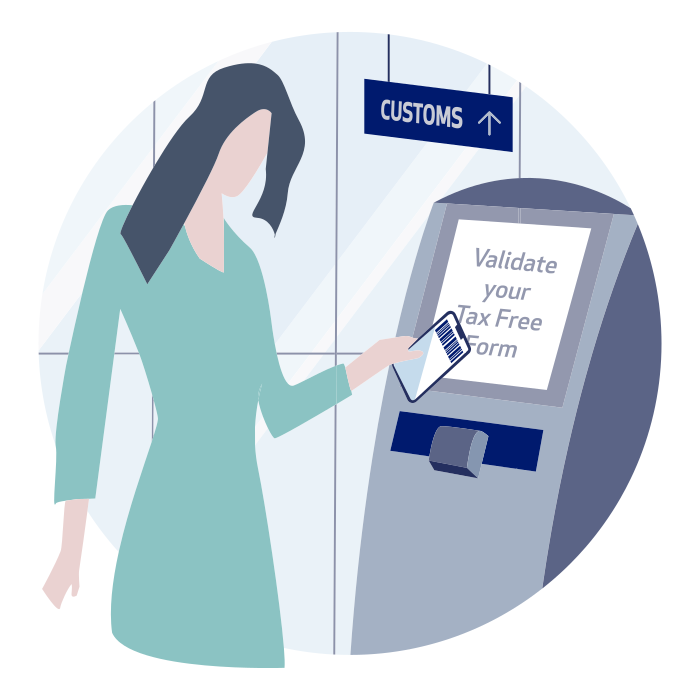
Go to Customs before leaving the EU. Remember to have your receipts, goods and travel documents available for inspection. Refund will be with you immediately after digital Customs validation, on your payment details.
How to Request your Tax Free Form Online

Scan your Passport
We will need some personal details to process your refund.

Scan your purchase receipts
Snap, scan, done. We will also ask for the receipt amount.

Add your payment details
We have a variety of ways to get your refund, on payment cards or digital wallets.
Do you want to speed up the process at Customs
When you leave the EU from France, go to a PABLO kiosk at point of departure. Scan the barcode of your Tax Free Form – no need to print the Form, you can scan it on your mobile phone. Please make sure you also have the goods purchased and your passport ready to be presented to Customs if required.
If you get a digital validation ( at Pablo Kiosk or custom desk), your refund will be paid automatically to your payment card.
If you leave the EU from another country, please make sure you print the Form and present it to Customs at your point of departure, together with the goods purchased and your passport.
Any questions?
Please contact us using our Customer Services portal or send an email to mobiletaxfree@globalblue.com